ExplorerPatcher vs Windhawk
They are different kinds of tool. ExplorerPatcher replaces the Windows 11 taskbar and Start menu with Windows 10 ones. Windhawk is a free engine that loads small mods. On its own it changed nothing we could see, and our unattended attempt to install a taskbar mod failed, so the taskbar stayed at 48 px. Upstream says many Windhawk mods work next to ExplorerPatcher's taskbar. We did not test the two together.
Checked against ExplorerPatcher 71.1 (26100.9711.71.1) on Windows Server 2025 (24H2 shell) 26100.33674 · Nov 6, 2026On this page
The verdict in one box
Two different ideas
- ExplorerPatcher ships a reimplemented Windows 10 taskbar, the Windows 10 Start menu, Windows 10 Alt+Tab and File Explorer options as one program. Install it, and the taskbar is Windows 10 style: 40 px high on our machine, against 48 px for Windows 11. See Windows 10 taskbar on Windows 11.
- Windhawk is a platform. You install the engine, then pick mods from its catalogue. Its own description says it modifies the Windows 11 taskbar instead of restoring the Windows 10 one. Its Windows 11 taskbar mods include Taskbar Labels, Vertical Taskbar, Multirow and Taskbar Styler, according to its mod list. Which of these you get depends on the mods you choose.
Neither is “better” in general. If you want the old shell back as one piece, ExplorerPatcher is built for that. If you like the Windows 11 taskbar and want two or three specific changes, Windhawk is closer to that.
What we saw after installing the engine
Drag the slider: the taskbar, window layout and Start button are the same before and after. The visible changes are a new Windhawk icon on the desktop and, while Windhawk’s window was open, a Windhawk button on the taskbar.
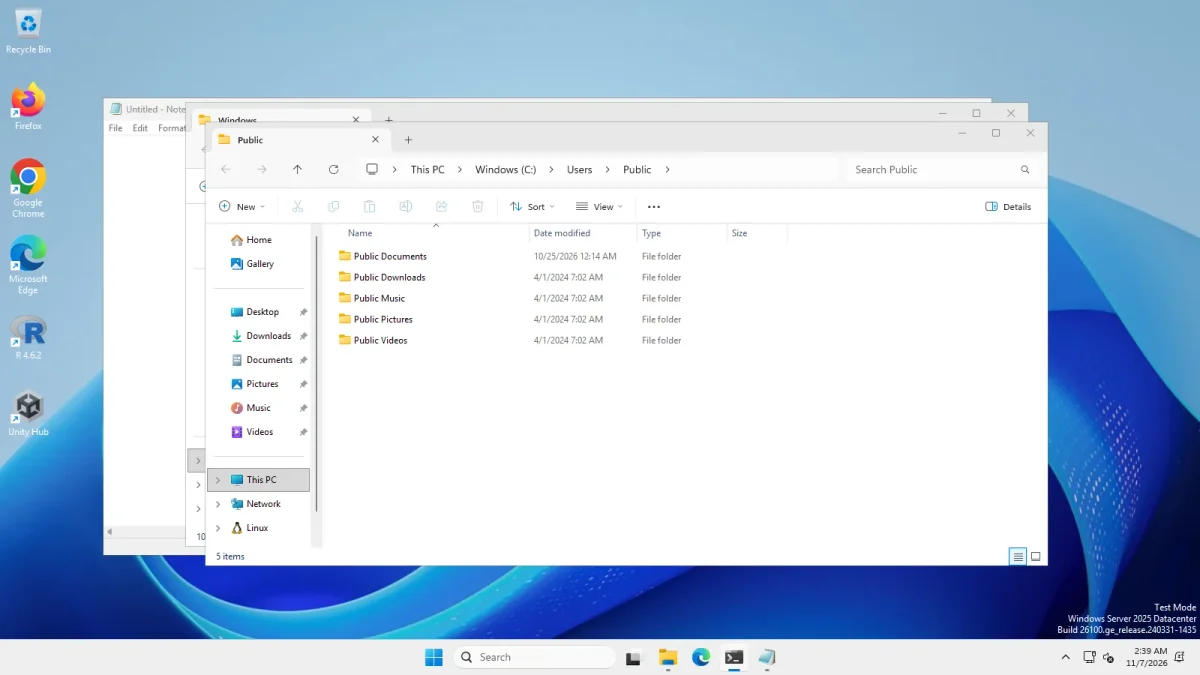 Windhawk 1.7.3 engine installed, no modWindows 11 before Windhawk
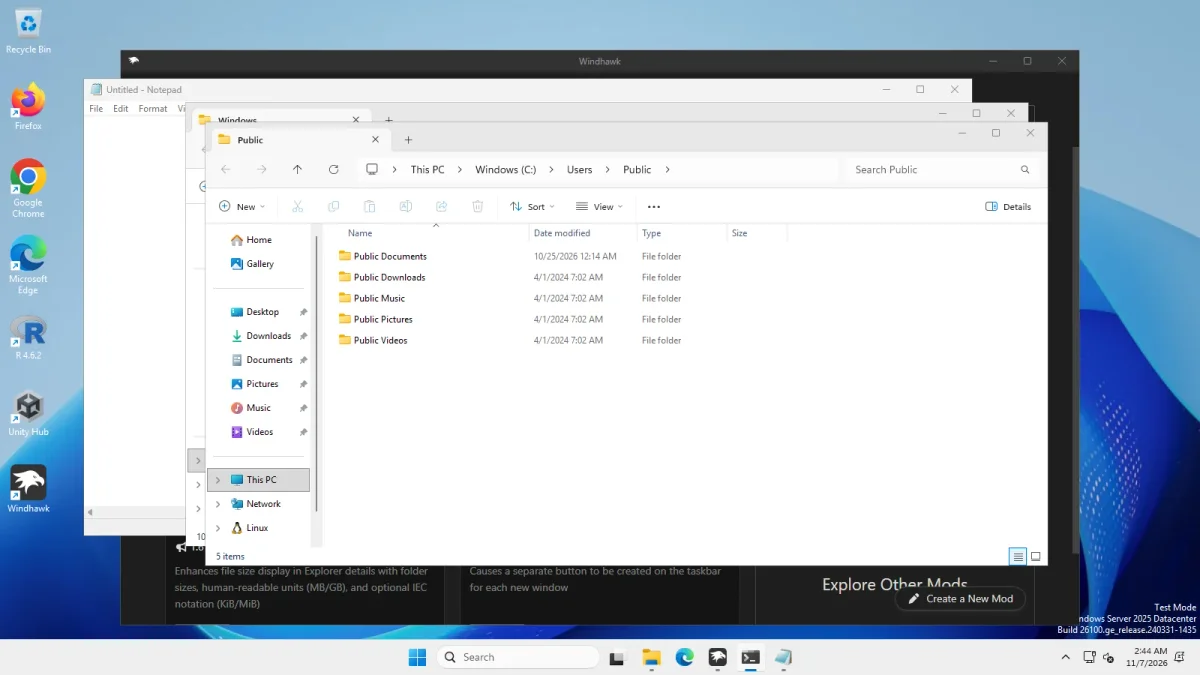
Same machine, before and after installing the Windhawk engine (Windhawk's window is open behind the apps) · Windows Server 2025 (24H2 shell), x64 26100.33674 · EP 71.1
Below, the same machine with ExplorerPatcher’s Windows 10 (ExplorerPatcher) taskbar style from our run on 6 Nov. That one changed the look at once.


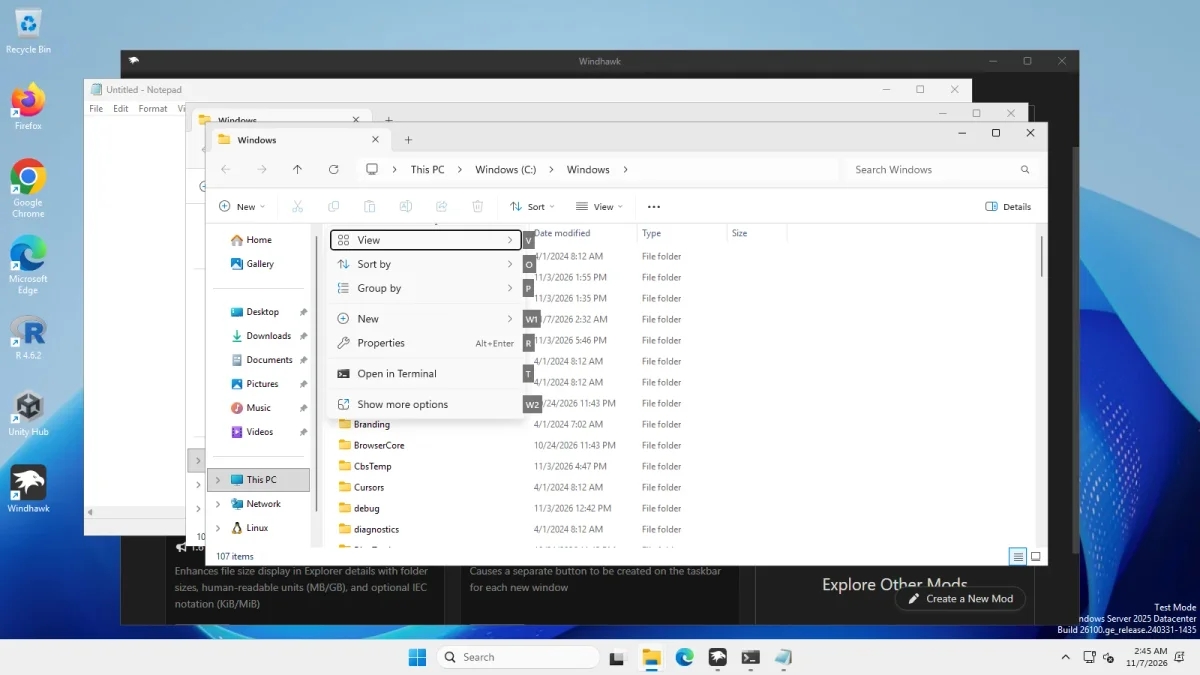
The context menu and File Explorer stayed as they were too: the short Windows 11 right-click menu with “Show more options” and the Windows 11 command bar. A mod such as “Taskbar classic context menu” exists in the catalogue (EP’s wiki lists it as compatible), but we did not install it.
The mod install that failed
We wanted one taskbar mod in place so we could show a real mod result. We tried to install it through Windhawk’s own window with Windows UI automation, with no one at the keyboard. Windhawk’s window exposed only a single opaque “Chrome Legacy Window” to automation, so the script could not drive it and no mod was installed.
The photo below is that attempt. Windhawk’s Home page says “No mods are installed”, and the taskbar is still 48 px with a centred Start button. It is not a mod result. It shows only that the attempt did not work. The Featured Mods list on that page includes “Taskbar height and icon size”, marked Windows 11 only, which is the kind of mod we wanted to test.
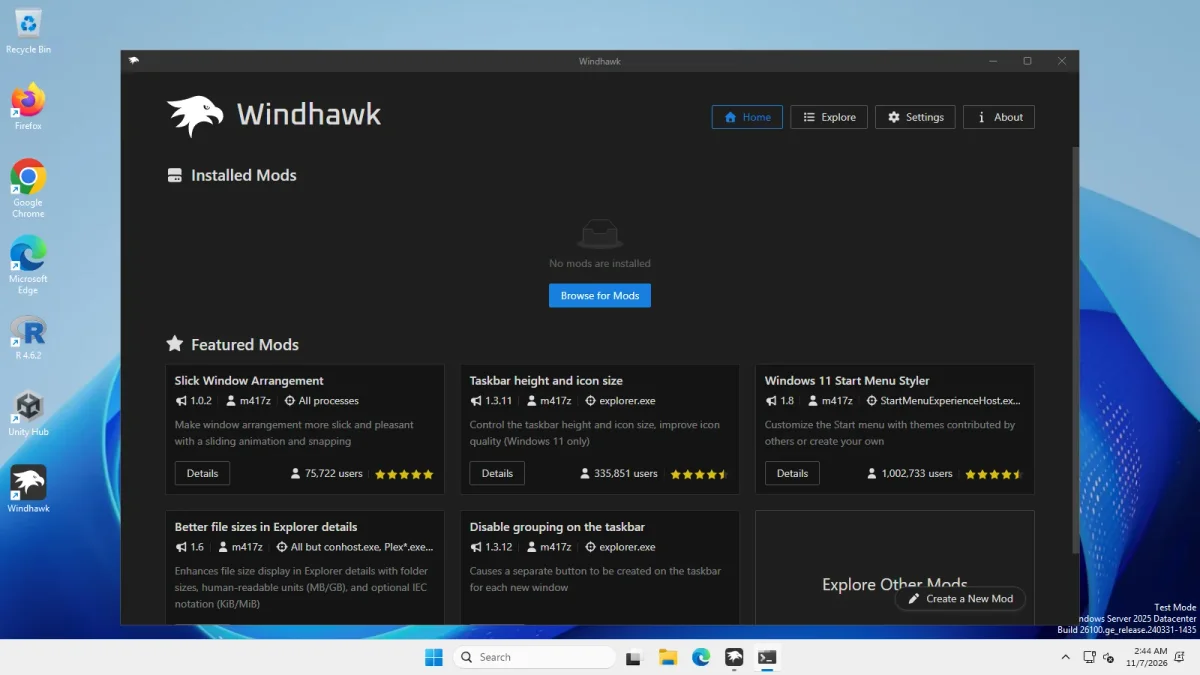
This is a limit of our unattended test, not a verdict on Windhawk. Windhawk’s window has a “Browse for Mods” button, so a person at the keyboard may well manage it. We did not try that, so every “Mod; not tested” cell below stays as it is.
What the engine costs
| Measured on Windows Server 2025 | Windhawk 1.7.3 (engine only) | ExplorerPatcher 71.1 |
|---|---|---|
| Installer | 11.6 MB, signature Valid | 11.8 MB (x64), not signed |
| Signer | Open Source Developer, Michael Maltsev (Tel Aviv, IL) | none |
| Setup time | 220.2 s | 5 to 9 s |
| Files on disk | 9,006 files, 793.3 MB in C:\Program Files\Windhawk, plus 180 files, 17.2 MB in C:\ProgramData\Windhawk |
20 files, about 23 MB in C:\Program Files\ExplorerPatcher |
| Mods installed | None (our unattended attempt failed) | Not applicable |
| Taskbar height | 48 px (unchanged) | 40 px |
| Loaded into Explorer | windhawk.dll from the engine folder |
EP’s loader dxgi.dll (see how it works) |
| Uninstall | Exit code 0 after 0.1 s, taskbar still 48 px; we did not check what was left | 15 to 22 s, Windows 11 taskbar back, settings key left behind |
How to read it:
- The setup time is from the runner and includes whatever the installer does while it waits. We have no run on other hardware, so treat 220.2 s as “much slower than ExplorerPatcher on this machine”, not as a promise for your PC.
- We did not look inside the 793 MB to explain it, and we did not measure it with mods enabled. The ProgramData part grows after Windhawk first starts: an earlier measurement of the engine showed 4 small files there, and after this run it was 180 files, 17.2 MB.
- The uninstall command returned exit code 0 after only 0.1 s. We did not check that the files were gone, so we make no claim about what Windhawk leaves behind.
- Explorer memory was a single sample: 145 MB before, 146 MB after, with threads going from 58 to 59. No visible cost, but one sample on a virtual machine.
- Both tools put code into
explorer.exe. That is how they work, and it is the reason a Windows update can break either of them. Read Is ExplorerPatcher safe? for ExplorerPatcher’s side.
Price, licence and signing
| ExplorerPatcher | Windhawk | |
|---|---|---|
| Price | Free | Free |
| Licence | GPL-2.0 for the main program, taskbar DLL ships as a binary | GPL-3.0 |
| Version we checked | 26100.9711.71.1 | 1.7.3 stable (a 2.0.0-alpha.8 pre-release also exists) |
| Code signing | Not signed | Valid |
Feature table
A dash means we did not test it. Windhawk’s cells say “mod” where the feature depends on a mod we did not run.
| ExplorerPatcher 71.1 | Windhawk 1.7.3 | |
|---|---|---|
| Windows 10 style taskbar | Yes (tested) | No: it modifies the Windows 11 taskbar |
| Taskbar labels, never combine | Yes (tested) | Mod; not tested |
| Vertical taskbar, multirow | Left and right positions (tested) | Mod; not tested |
| Windows 10 Start menu | Yes (tested) | Not what it does; Start menu styling is a mod |
| Windows 10 Alt+Tab | Yes (tested) | Alt+Tab mods exist; not tested |
| Classic context menu | Yes (tested) | Mod; not tested |
| What you install | One setup, with its options in the Properties window | An engine, then each mod you choose |
Using both together
This is the one place where we can lean on upstream. ExplorerPatcher’s wiki has a “Windhawk mods support” list and says some mods are confirmed compatible with its taskbar. It names, among others, Taskbar Volume Control, Taskbar Clock Customization, Disable grouping on the taskbar, Taskbar classic context menu, Middle click to close on the taskbar, Alt+Tab per monitor and Taskbar Fade. The list has 26 entries. Its own line under the list: “Mods not listed above may not be compatible with ExplorerPatcher’s taskbar implementation.”
Two things follow. First, the Windows 11 taskbar mods that people name most (Taskbar Labels, Vertical Taskbar, Multirow, Taskbar height and icon size, Taskbar Styler) are not on that list. We read that as: they are written for the Windows 11 taskbar, which ExplorerPatcher replaces. That is our reading, not a test. Second, the wiki also says 7+ Taskbar Tweaker is incompatible with ExplorerPatcher’s taskbar and that its author moved those tweaks to Windhawk mods, so Windhawk is the supported route to them.
We did not test running the two together. If you try, add one listed mod at a time, and know the black screen recovery first. For the label look without Windhawk, see never combine taskbar buttons.
When to choose which
Choose Windhawk if you are happy with the Windows 11 taskbar and want a few targeted changes, you like picking mods one by one, and you want a signed installer and a GPL-3.0 licence. Expect a bigger install than ExplorerPatcher.
Choose ExplorerPatcher if you want the Windows 10 taskbar, Start menu and Alt+Tab back in one step. Accept that its setup is unsigned, that it can break after a Windows update, and that upstream says not to use it on work PCs. Download it only from GitHub, and tune it in Settings: Taskbar.
Use both only through the wiki’s compatible list. Other tools are compared on the alternatives page, including StartAllBack.
Common questions
Is Windhawk a replacement for ExplorerPatcher?
Not directly. Windhawk modifies the Windows 11 taskbar through mods, while ExplorerPatcher swaps in a Windows 10 style taskbar and Start menu. Windhawk by itself changed nothing visible in our test. Our attempt to install a mod unattended failed, so we have no mod result.
Can I use ExplorerPatcher and Windhawk together?
Upstream's wiki lists 26 Windhawk mods as compatible with ExplorerPatcher's taskbar and says mods not listed may not be. We have not tested the two together ourselves, so check the wiki list before enabling a mod.
Is Windhawk free?
Yes. According to its own page Windhawk is free and open source under GPL-3.0, and its installer carried a valid signature in our check (signer: Open Source Developer, Michael Maltsev). ExplorerPatcher is also free, under GPL-2.0, but its setup files are not signed.
Does Windhawk bring back the Windows 10 taskbar?
Windhawk's own description says it modifies the Windows 11 taskbar instead of restoring the Windows 10 one. Mods can add labels, a vertical taskbar or multiple rows. We could not install one, so we cannot show you the result.
Did you test Windhawk mods?
We tried and it failed. We installed the Windhawk 1.7.3 engine, then tried to add a taskbar mod through its window with UI automation. The window showed automation only a single opaque element, so no mod was installed and the taskbar stayed 48 px.