ExplorerPatcher alternatives
No single tool replaces ExplorerPatcher part for part. StartAllBack and Start11 are paid and cover the taskbar and Start menu, Windhawk and Open-Shell are free and cover less, and some changes need no tool at all. Pick by what you want back, whether paying is fine, and whether the PC is for work. The chooser below does that ranking.
Checked against ExplorerPatcher 71.1 (26100.9711.71.1) on Windows Server 2025 (24H2 shell) 26100.33674 and Windows 11 Enterprise 25H2 26200.9725 · Nov 6, 2026On this page
Which tool should you use?
Choose what you want back, whether paid tools are fine, and whether this is a work or critical PC. The list reorders as you change the boxes. It ranks by how many of your picks a tool covers, using the table further down, hides paid tools when you untick the paid box, and moves ExplorerPatcher lower on work PCs. It does not ask for your Windows version or CPU, so check those on the tool’s own page.
- ExplorerPatcher Free
Covers 1 of 1 things you picked (Windows 10 style taskbar).
Re-creates the Windows 10 taskbar, Start, Alt+Tab, File Explorer and context menu. Upstream warns against using its taskbar on work machines.
The chooser is a shortcut, not a verdict. It covers ExplorerPatcher, StartAllBack, Windhawk, Open-Shell and Start11. Below you can see the facts it uses.
What each tool changes
Everything in this table comes from each tool’s own page or repository on 6 Nov 2026. ExplorerPatcher’s row is from our tests of 71.1. The price column shows what we could verify; we do not state prices beyond it.
| Tool | Price | Licence | Taskbar | Start menu | File Explorer | Context menu | Version we saw |
|---|---|---|---|---|---|---|---|
| ExplorerPatcher | Free | GPL-2.0 | Yes | Yes | Yes | Yes | 71.1 |
| 7+ Taskbar Tweaker | Free | GPL-3.0 | Yes | – | – | – | 5.15.4 |
| Open-Shell | Free | MIT | – | Yes | – | – | v4.4.202 (pre-release); v4.4.198 stable |
| RetroBar | Free | Apache-2.0 | Yes | – | – | – | v1.22.122 |
| Start11 | Paid (Stardock; current prices not shown on the pages we checked) | Closed source | Yes | Yes | – | – | v3 beta |
| StartAllBack | Paid (third-party reviews quote about $5 per PC; we did not verify the official price) | Closed source | Yes | Yes | Yes | Yes | 3.9.28 (12 Oct 2026) |
| TranslucentTB | Free | GPL-3.0 | Yes | – | – | – | 2026.2 |
| Winaero Tweaker | Free | Freeware | – | – | Yes | Yes | 1.65 |
| Windhawk | Free | GPL-3.0 | Yes | Yes | – | – | 1.7.3 stable; 2.0.0-alpha.8 pre-release |
How to read it: a dash means the tool does not target that part, not that it is impossible. ExplorerPatcher’s File Explorer and context menu results are ours: the Windows 10 ribbon and the classic menu worked on both Windows 11 machines.
Check Windows first
Sometimes you need no tool.
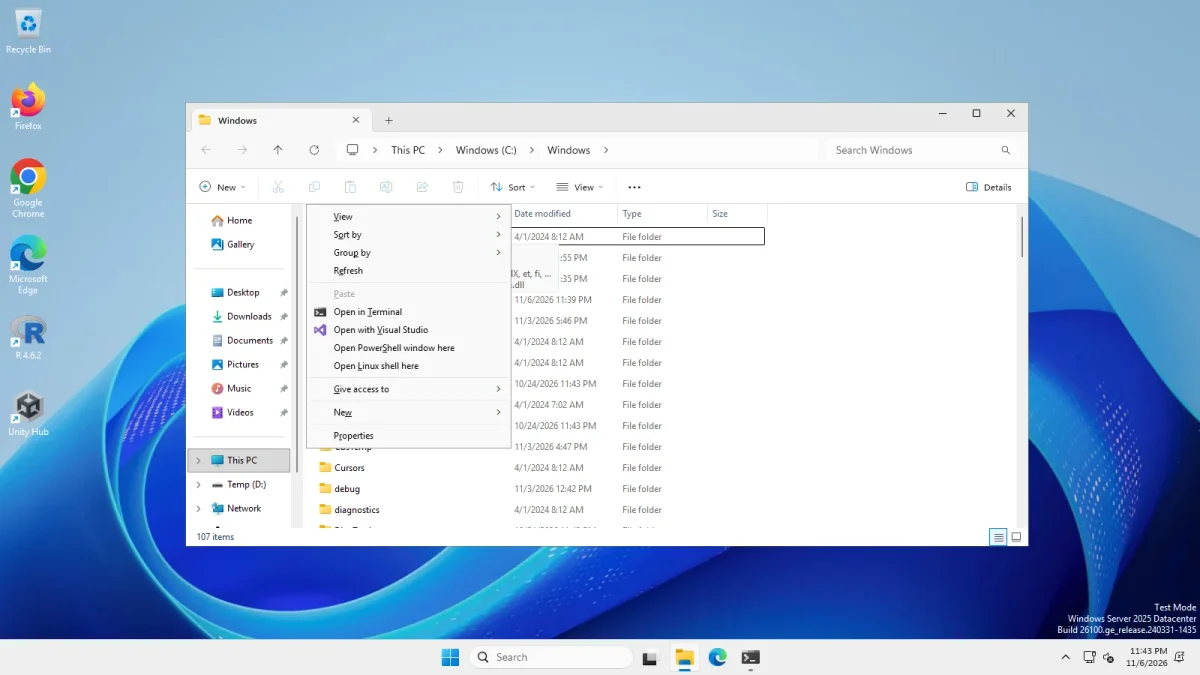
- The classic right-click menu can come back through a per-user registry setting, with no extra software. We tested the registry method on both machines: the classic menu appeared in File Explorer and on the desktop, and the undo restored the Windows 11 menu. The steps are on classic context menu.
- Windows’ own taskbar settings have changed with every release. On our Windows 11 25H2 test machine, the Taskbar page grouped alignment, badging, automatic hiding and multiple displays under “Taskbar behaviors”. Look there before you install anything, and check whether the option you want has arrived.
The tools one by one
- ExplorerPatcher (free, GPL-2.0). Re-creates the Windows 10 taskbar on Windows 11 24H2 and later, the Windows 10 Start menu and Alt+Tab, the File Explorer ribbon and the classic context menu, with 117 settings. The costs are in Is ExplorerPatcher safe?: unsigned, loads into Explorer, upstream warns against work PCs.
- StartAllBack (paid, closed source). Restores a Windows 10 or Windows 7 style taskbar, Start menu, File Explorer ribbon and classic context menus on Windows 11, with explicit 25H2 support since 3.9.15. Comparison: ExplorerPatcher vs StartAllBack.
- Windhawk (free, GPL-3.0). A platform for small mods that change the Windows 11 taskbar (labels, vertical taskbar, multirow, styler), the Start menu and more. It modifies the Windows 11 taskbar instead of restoring the Windows 10 one. Comparison: ExplorerPatcher vs Windhawk.
- Open-Shell (free, MIT). A classic Start menu replacement, plus classic File Explorer additions. It does not change the taskbar. Comparison: ExplorerPatcher vs Open-Shell.
- Start11 (paid, Stardock, closed source). Start menu and taskbar replacement with Windows 7 and Windows 10 style menus, vertical taskbars and “Taskbar Islands”. We installed its v3 trial (3.0.0.3) on Windows Server 2025: the installer is signed and took 94.2 MB in 295 files, and we never saw its Start menu styles, because the trial asks for an email address that we did not give. Comparison: ExplorerPatcher vs Start11.
- RetroBar (free, Apache-2.0). A separate replacement taskbar with Windows 95 to Vista themes. It sits beside the Windows 11 taskbar instead of reimplementing the Windows 10 one.
- 7+ Taskbar Tweaker (free, GPL-3.0). Tweaks the Windows 10 style taskbar. Its site says it does not support the Windows 11 taskbar, ExplorerPatcher’s wiki lists it as incompatible with EP’s taskbar, and the author moved its tweaks to Windhawk mods.
- TranslucentTB (free, GPL-3.0). Makes the taskbar transparent or blurred. ExplorerPatcher’s wiki lists it as compatible with EP’s taskbar.
- Winaero Tweaker (free). A broad tweaking tool with a few taskbar and File Explorer options that overlap with ExplorerPatcher, mostly for older Windows 11 builds.
Each comparison page says which tool we installed and what we saw. Anything not marked as tested on those pages, and the rest of the list, comes from the tools’ own pages and from ExplorerPatcher’s wiki, not from our tests.
When not to use ExplorerPatcher
- On a work, school or mission-critical PC. Upstream’s warning in its wiki: do not use the reimplemented taskbar on work machines, and expect no responsibility for damage. Managed security software adds to that. See the antivirus page.
- If SentinelOne is installed. Upstream says not to install it, because reports say SentinelOne can block uninstalling.
- If you need a signed installer. The setup files we downloaded were not code-signed.
- If a Windows update breaking your desktop for a day would be a real problem. Upstream says it typically ships a fix within a day, but you have no say in when Windows updates arrive. Learn the black screen recovery first.
- If you want only one fix that Windows can already do, such as the classic context menu.
- If you want to change the Windows 11 taskbar and not replace it. Windhawk’s approach is closer to that than ExplorerPatcher’s reimplementation.
- If you want only a classic Start menu. Open-Shell covers just that, and it does not touch the taskbar.
- On a Windows build we have not tested. We tested Windows 11 25H2 on Arm64, Windows Server 2025 with the 24H2 shell and Windows Server 2022 (Windows 10 shell). Insider builds, physical PCs and multiple monitors are not covered by our tests. The Build Checker shows what we know for your build.
Using more than one tool
Upstream’s compatibility notes help here. EP’s taskbar works with TranslucentTB and with a list of Windhawk mods, and 7+ Taskbar Tweaker does not. We have not tested EP together with StartAllBack, Open-Shell or Start11: our Start11 run had it alone on the machine. As a rule, let only one tool control the taskbar and one the Start menu, and expect to uninstall one before trying another. Our uninstall guide shows how to do that cleanly for ExplorerPatcher.
More short answers are in the ExplorerPatcher FAQ.
Common questions
What is the best alternative to ExplorerPatcher?
It depends on what you want back. StartAllBack covers the taskbar, Start menu, File Explorer and context menu but is paid. Windhawk is free and changes the Windows 11 taskbar through mods, and Open-Shell is free but only replaces the Start menu.
Is there a free alternative to ExplorerPatcher?
Yes, for parts of it. Windhawk, Open-Shell, RetroBar and TranslucentTB are free according to their own pages (checked 6 Nov 2026). None of them re-creates the whole Windows 10 shell the way ExplorerPatcher tries to.
Can I use ExplorerPatcher and Windhawk together?
Upstream's wiki lists many Windhawk mods as compatible with ExplorerPatcher's taskbar and says other mods may not be. We have not tested the combination ourselves.
Is ExplorerPatcher safer than the paid tools?
We cannot say. We installed the StartAllBack and Start11 trials once each on a test machine, and both installers carry a valid signature, but we did not audit either program. ExplorerPatcher's risks are specific: it is unsigned, loads into Explorer and can break after a Windows update. Read our safety page and judge for your PC.